How to Download YouTube Videos with an API
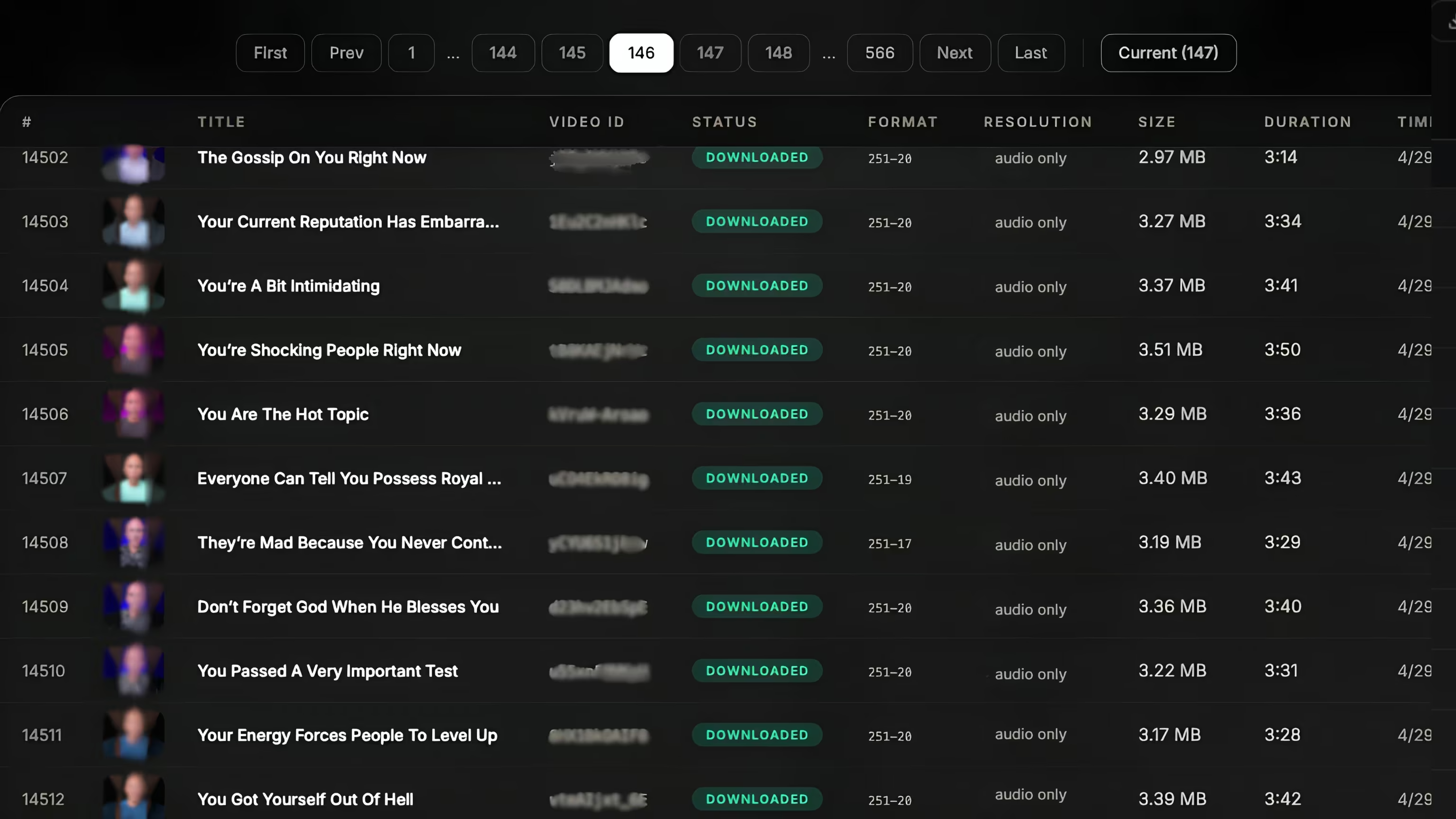
yt-dlp yourself (free, but you own the proxies, rate limits, retries and storage), or POST your URLs to a managed download API and get the files delivered to your cloud. Below is working code for both, and a straight answer on when each makes sense.
Is there a YouTube download API?
Not an official one. YouTube's Data API v3 returns titles, descriptions, and statistics — never the media file. So "YouTube download API" in practice means one of two things:
- A library you run yourself — most commonly
yt-dlp, wrapped in your own service. - A managed download API — a third-party endpoint you POST URLs to, which returns the file (or writes it to your bucket).
Both work. The difference is who owns the hard parts: proxies, YouTube's changing internals, retries, and storage.
Option 1: yt-dlp (the DIY route)
For a handful of videos on your own machine, nothing beats yt-dlp:
pip install yt-dlp

yt-dlp -f "bv*+ba/b" -o "%(id)s.%(ext)s" \
  "https://www.youtube.com/watch?v=dQw4w9WgXcQ"
This is perfect for scripts and one-offs. It starts to hurt at scale: run it against thousands of URLs from one server and you'll hit throttling, "sign in to confirm you're not a bot" walls, and "video unavailable" rate limits. Then you're maintaining a proxy pool, a retry queue, and cloud upload plumbing — a real infrastructure project, not a script.
Option 2: a managed download API
A managed API keeps the same "send a URL, get a file" simplicity but moves the infrastructure to someone else. You POST a job and poll (or get a webhook) when it's done. Here's the same download through the VideoDL download API in three languages. (Field names are illustrative — see the API docs for the exact schema.)
cURLcurl -X POST "https://api.videodl.app/api/start-download" \
-H "x-api-key: vdl_live_xxx" \
-H "Content-Type: application/json" \
-d '{
"urls": ["https://www.youtube.com/watch?v=dQw4w9WgXcQ"],
"quality": "1080p",
"destination": "s3://your-bucket/youtube/"
}'
# => { "job_id": "job_abc123", "status": "queued" }import requests
resp = requests.post(
"https://api.videodl.app/api/start-download",
headers={"x-api-key": "vdl_live_xxx"},
json={
"urls": ["https://www.youtube.com/watch?v=dQw4w9WgXcQ"],
"quality": "1080p",
"destination": "s3://your-bucket/youtube/",
},
)
job = resp.json()
print(job["job_id"])const res = await fetch("https://api.videodl.app/api/start-download", {
method: "POST",
headers: {
"x-api-key": "vdl_live_xxx",
"Content-Type": "application/json",
},
body: JSON.stringify({
urls: ["https://www.youtube.com/watch?v=dQw4w9WgXcQ"],
quality: "1080p",
destination: "s3://your-bucket/youtube/",
}),
});
const job = await res.json();
console.log(job.job_id);The job runs asynchronously. Poll the job status endpoint (or register a webhook), and the finished files land in the bucket you named — no download hop through your own server, no per-GB egress surprise.
Handling the common blockers
Whichever route you pick, these are the walls you'll meet at scale:
- Bot verification. "Sign in to confirm you're not a bot" appears when one IP makes too many requests — full fix here.
- Rate limiting. "Video unavailable. This content isn't available" during a batch is usually a temporary block — what to do.
- Format changes. YouTube changes its internals often; DIY setups break until you update
yt-dlp. A managed API patches this server-side.
DIY vs. API: which should you use?
| Factor | DIY (yt-dlp) | Managed API |
|---|---|---|
| Best for | A few videos, local scripts | Bulk, production pipelines |
| Proxies / bot checks | You manage | Handled |
| Retries on failure | You build | Automatic |
| Cloud delivery | You build | S3 / GCS / R2 direct |
| Upkeep when YouTube changes | Your problem | Patched for you |
| Cost | Free + engineer time | From $12/mo |
Rule of thumb: script it with yt-dlp until the maintenance and failures cost more than the API would. For most teams downloading at volume, that crossover comes fast.
FAQ
Is there an official YouTube download API?
No — YouTube's Data API returns metadata, not files. You either run yt-dlp yourself or use a third-party download API.
Can I download YouTube videos with Python?
Yes — use yt-dlp locally, or POST URLs to a managed API with requests and receive files in your cloud, as shown above.
Why do downloads fail with bot or rate-limit errors?
Too many requests from one IP. A managed API spreads them across rotating infrastructure and retries failures automatically.

Skip the scraping stack
POST your URLs, get videos, transcripts and metadata in your cloud. Try it with 100 free videos.
Explore the download API →