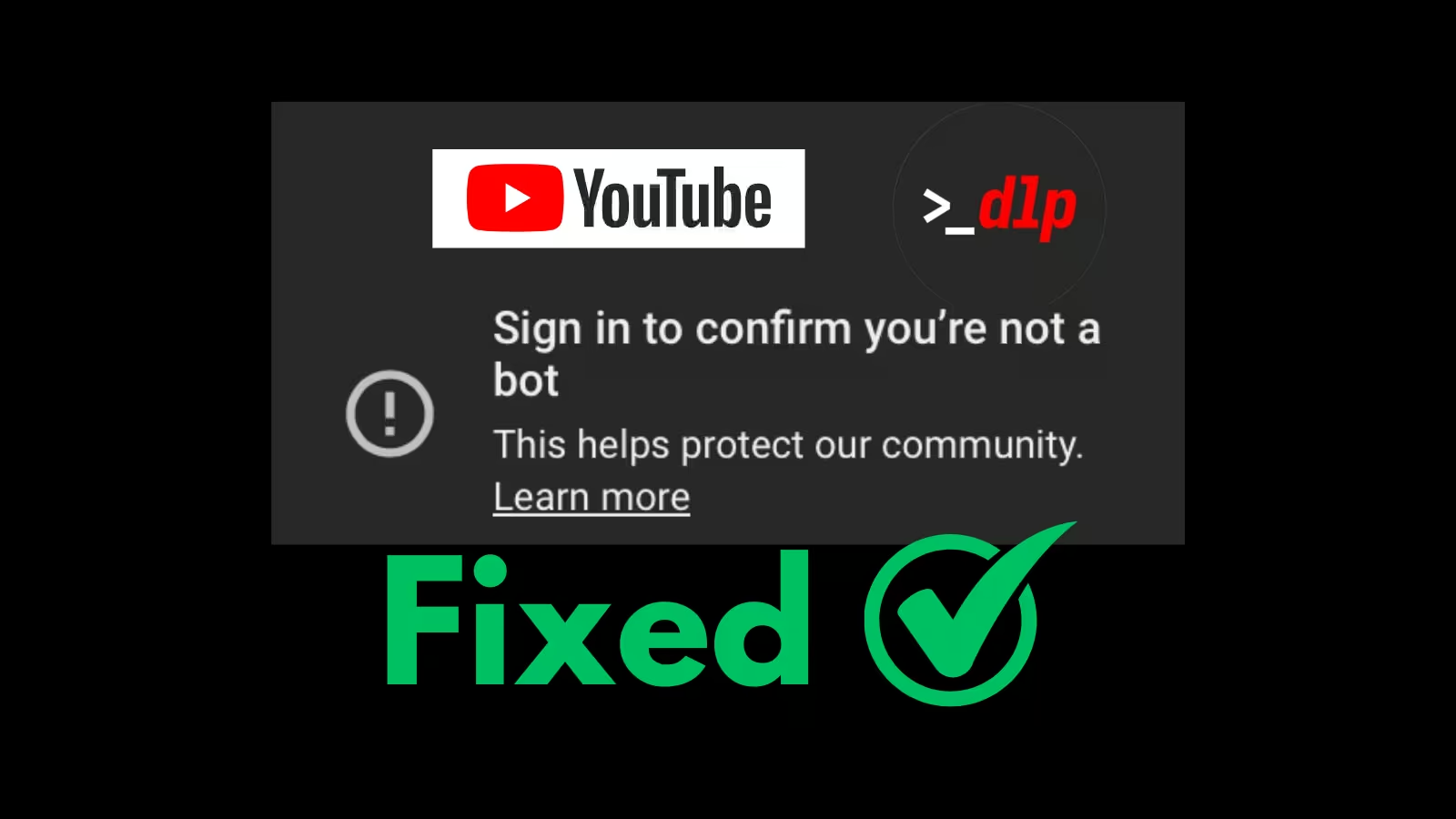
Home / Blog / "Sign in to confirm you're not a bot" fix
YouTube error
"Sign in to confirm you're not a bot", How to Fix the YouTube Error
Updated June 2026·5 min read
TL;DR
This error is tied to your IP address, you usually get it after downloading a lot of videos, or when using non-residential (data-center) IPs. The limit can be temporary or permanent depending on your usage. To fix it: change your IP, add a delay between downloads, and avoid signing in with your account. Or let a managed service rotate IPs for you.
Why you're seeing this
This error is tied to your IP address. You usually get it when:
You download a large amount of videos from the same IP.
You're using non-residential IPs (data-center or cloud-server IPs).
Depending on your usage, this limit can be temporary or permanent.
How to fix it
Change your IP address. A new IP starts clean, restart your router, switch networks, or move to a residential IP.
Or keep the same IP and sign in with a YouTube account. Be careful: passing your account or cookies is not recommended, it may result in temporary or permanent suspension of your account by YouTube.
When you download again
Always add a delay between each download to avoid the risk of rate limiting:
yt-dlp --sleep-interval 5 --max-sleep-interval 10
You can also limit the data usage. For example, to cap it at 5 megabytes per second:
yt-dlp --limit-rate 5M
The easy way: let VideoDL handle it
VideoDL downloads YouTube videos without touching your account. We handle everything for you, no IP juggling, no bot checks, and no time wasted fixing errors. Just add your links to your dashboard and your files are delivered straight to your preferred upload location.
Never see this error again
Add your links to your dashboard. We download every video and deliver the files to your cloud, IP pool and retries handled. First 100 free.