How to Download an Entire YouTube Channel
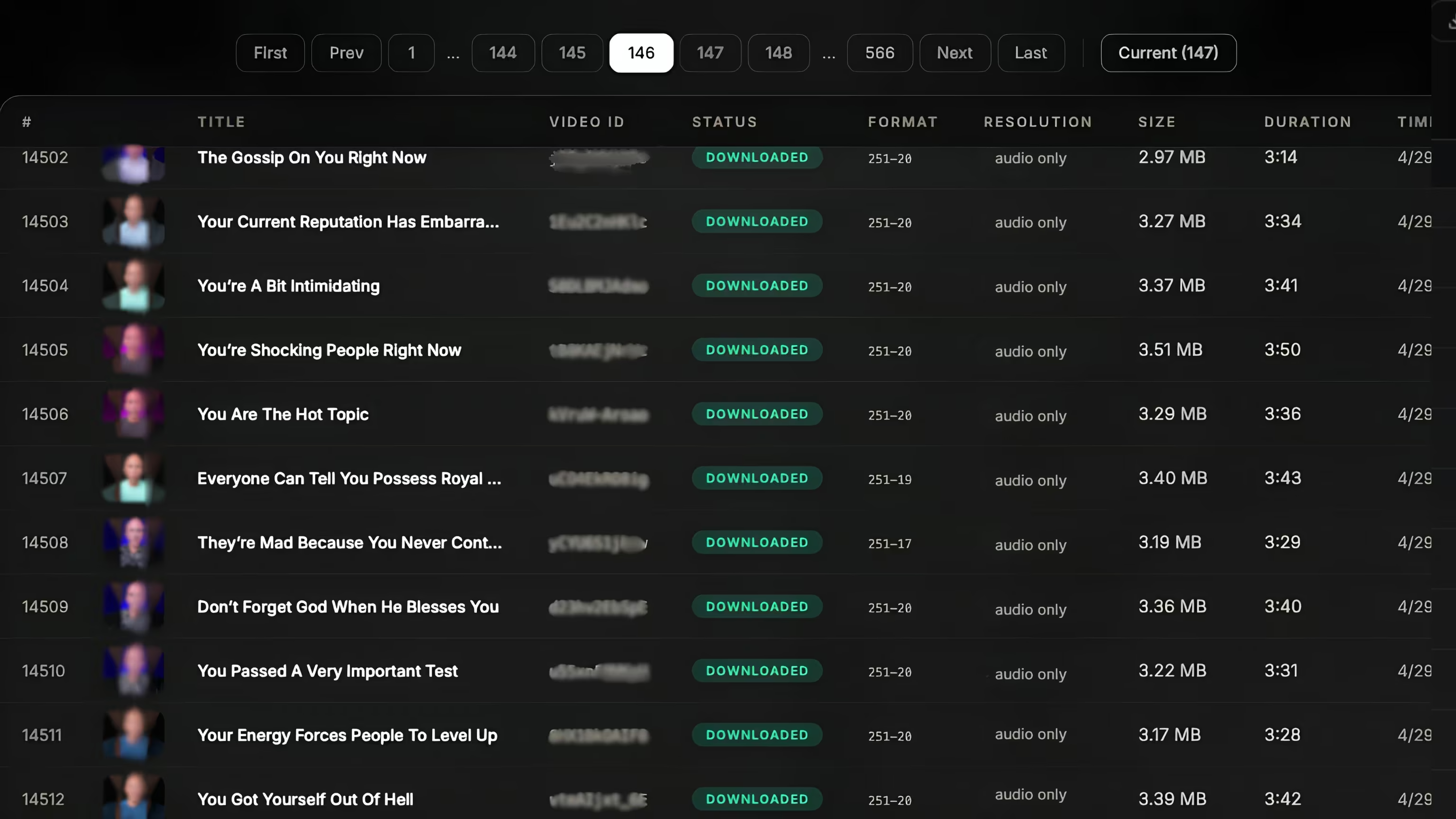
yt-dlp "https://www.youtube.com/@channel/videos" works. For a large channel — hundreds or thousands of videos — a managed service takes the channel URL and delivers the whole thing to your cloud, in original quality with captions and metadata, without you fighting rate limits.
Step 1: get the channel URL
Grab the channel's /videos page URL — e.g. https://www.youtube.com/@channelname/videos. That's the list a downloader expands into every individual video. For playlists, use the playlist URL instead to grab just that set.
Step 2a: the DIY way (yt-dlp)
yt-dlp expands a channel URL into all its videos automatically:
bashyt-dlp -f "bv*+ba/b" -o "%(id)s.%(ext)s" \
--write-auto-subs --write-info-json \
"https://www.youtube.com/@channelname/videos"Great for a small channel. On a big one you'll hit throttling and rate-limit errors partway through, and you'll need retries plus somewhere to put the files. See yt-dlp at scale for that trade-off.
Step 2b: the managed way
Hand the channel URL to a managed service and every video is fetched, retried on failure, and written straight to your bucket — no babysitting. You get the originals, captions, and metadata, aligned by video ID. This is the practical route for archiving a full channel or building a dataset from one.
Choose your quality and outputs
- Resolution: best available (up to 4K/8K if the channel uploaded it), or cap it to save space.
- Captions: pull the channel's subtitles or auto-generated ones.
- Metadata: titles, descriptions, tags, upload dates — useful as labels and for search.
- Destination: deliver to S3, GCS, or R2.
A note on backing up your own channel
If the goal is a safe copy of a channel you own — before a migration, a strike, or a platform change — see our dedicated guide on migrating and backing up a YouTube channel.
FAQ
How do I download all videos from a YouTube channel?
Point a downloader at the channel's /videos URL. yt-dlp queues every public video; a managed service does the same at scale and delivers to your cloud.
Can I download a whole channel in original quality?
Yes — request the best available resolution plus captions and metadata for each video.
Is it legal?
Downloading your own channel or properly licensed content is generally fine; re-publishing others' copyrighted videos is not. Confirm your use is lawful where you operate.

Grab a whole channel, hands-off
Give us the channel URL. We download every video to your cloud with captions and metadata. First 100 free.
See bulk download →